ShowMe Screen leverages Apple's built-in AirPlay protocol. This means your Mac can natively project to your iOS device out-of-the-box, without installing any drivers or helper apps on macOS.
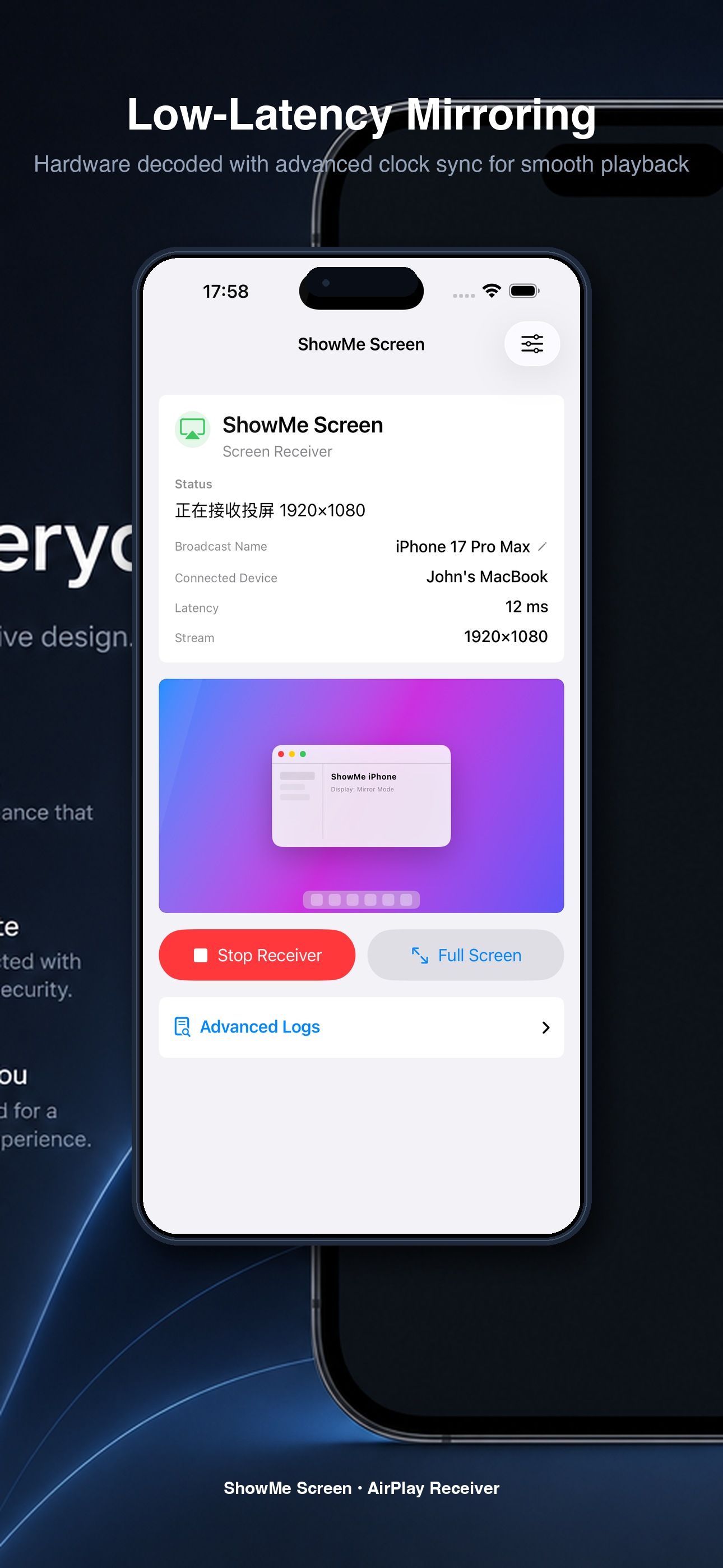
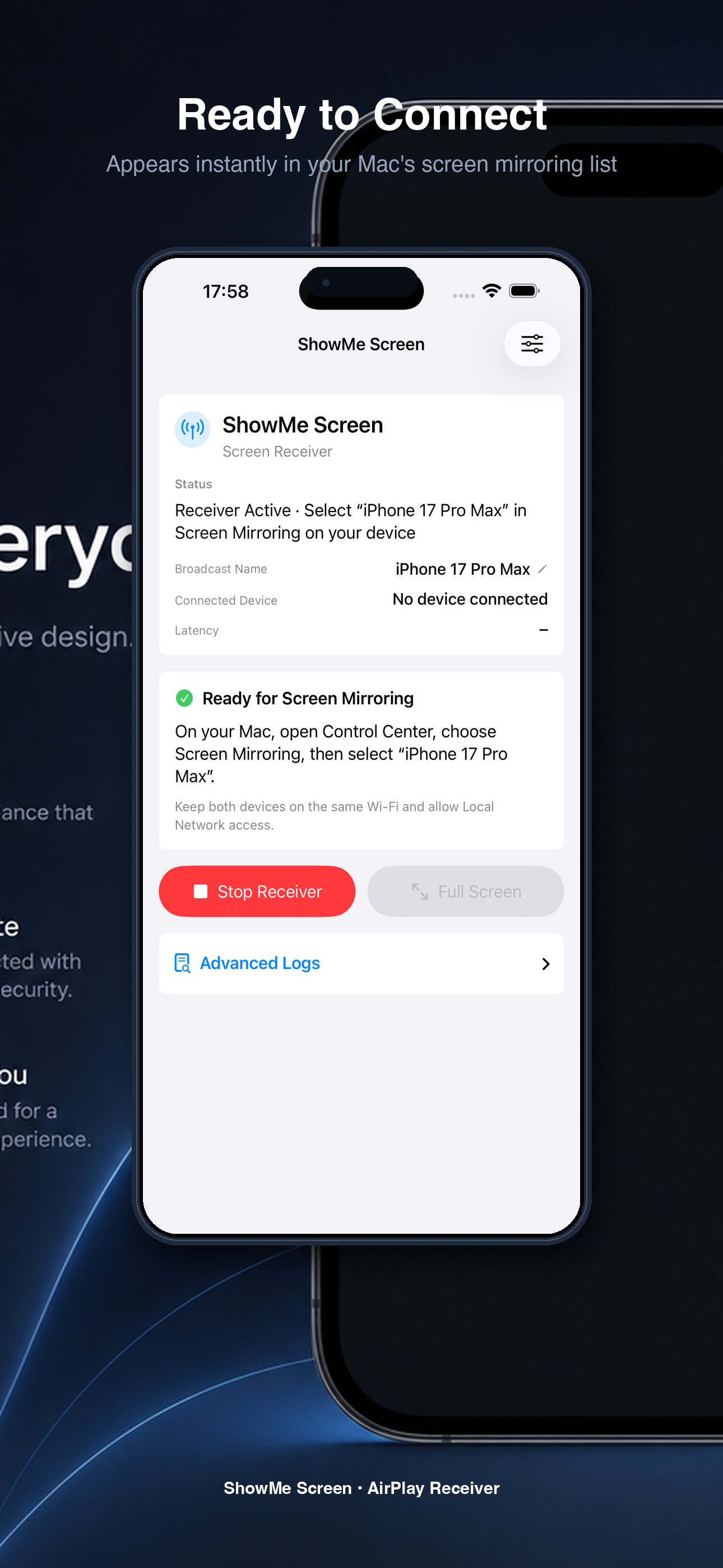
Shows friendly customizable device names and listening status.
High-speed video rendering with ultra-low delay metric displays.
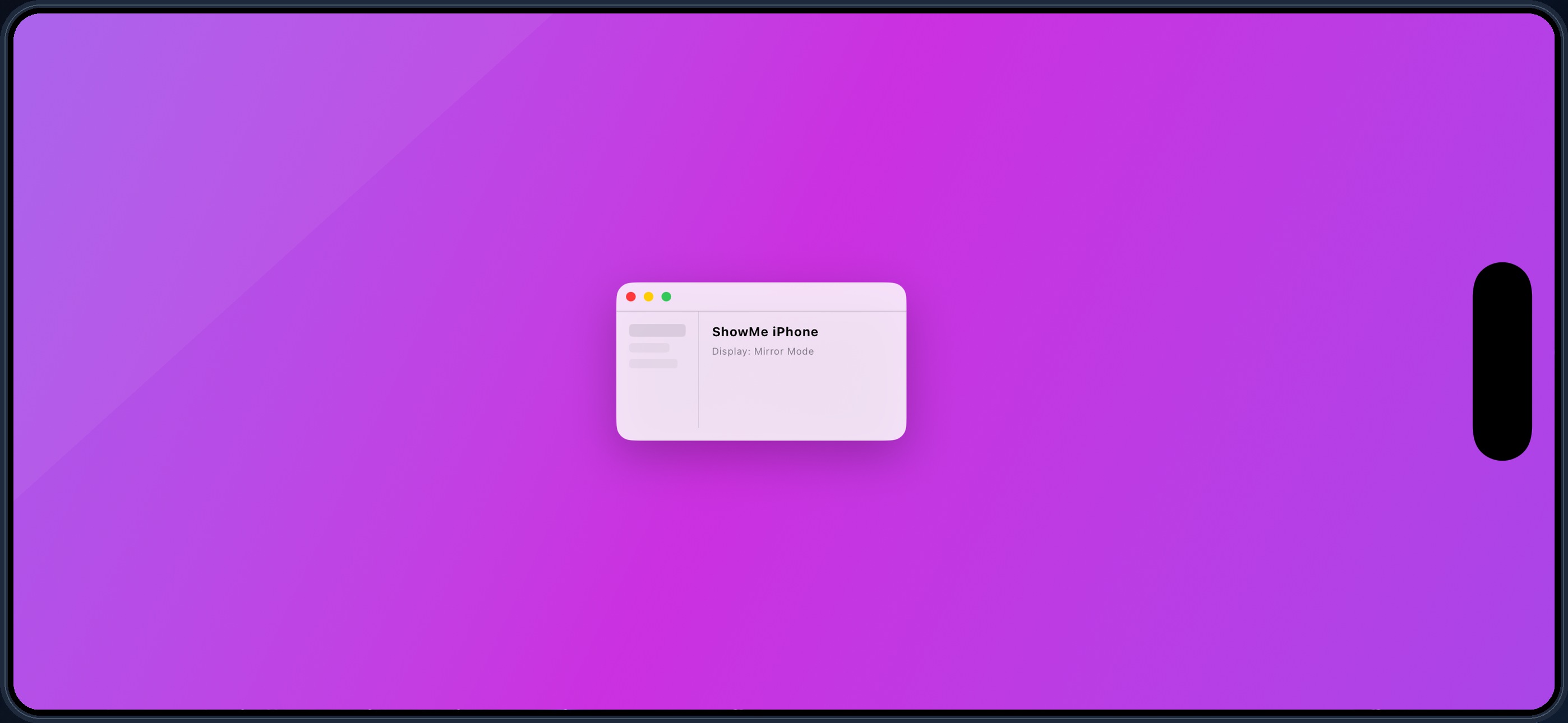
Auto-rotate to landscape with hidden control overlays for full-screen workspace.
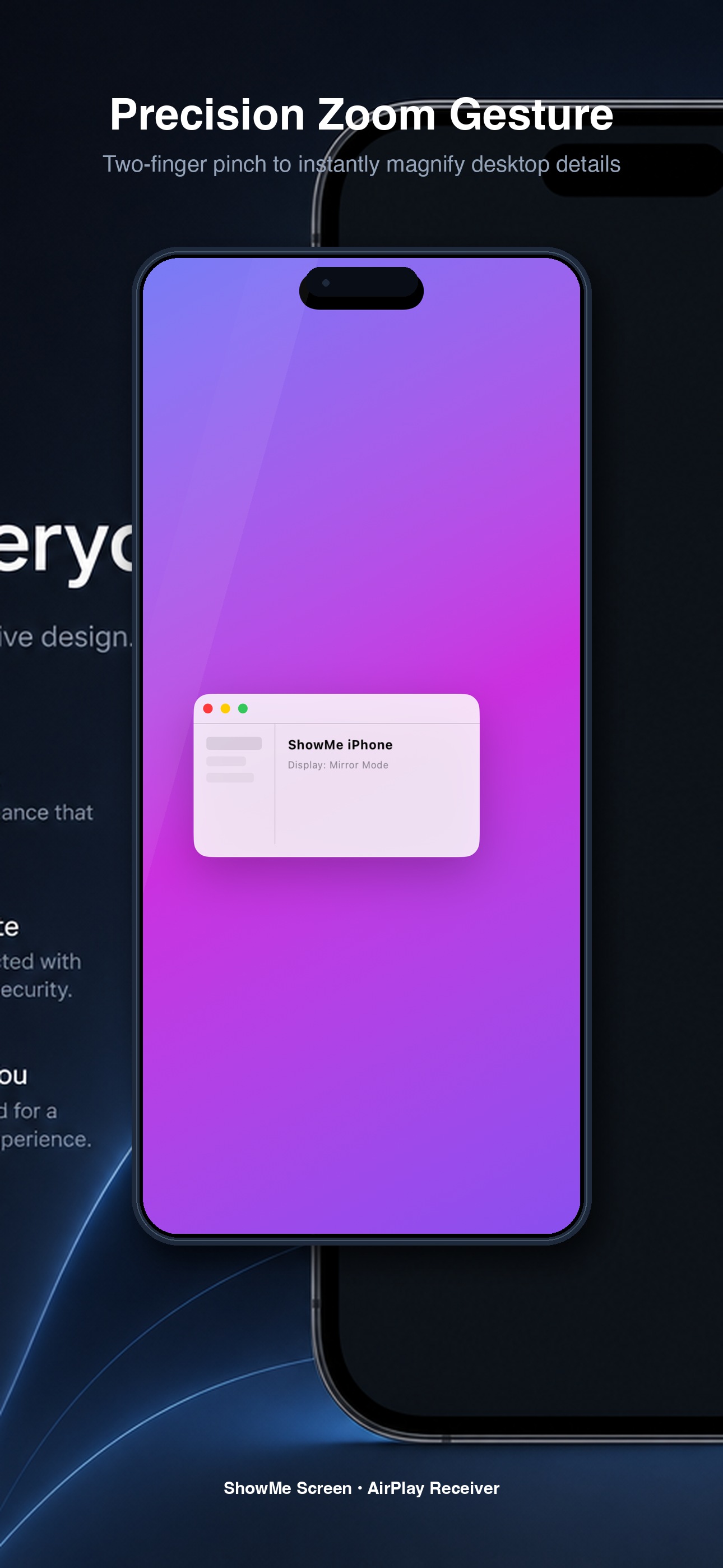
Two-finger pinch to instantly zoom and pan on small desktop fonts.
Experience wireless display receiver software re-imagined from the ground up.
Unlike alternative tools that force you to install proprietary drivers on your computer, ShowMe maps directly onto native macOS Screen Mirroring (AirPlay).
Accept and trust your device just once. Subsequent connection requests from the same computer are automatically and silently approved in the background.
Direct stream rendering on iOS native AVSampleBufferDisplayLayer with specialized clock synchronization. Experience smooth, delay-free mirroring.
Open ShowMe Screen on your iPhone or iPad, and tap "Start Receiver". Your friendly device name (e.g. "ShowMe iPhone") will start broadcasting.
On your Mac, click the "Screen Mirroring" icon in the Control Center and select your ShowMe device. Grant approval once on your phone screen.
The desktop is instantly projected to your iOS device. Enjoy options like custom scaling, picture-in-picture mode, and lag-free mirroring.
Having trouble connecting or using ShowMe Screen? We are here to help. Since AirPlay discovery depends highly on local network policies, please ensure the following:
For technical questions, assistance, or setup issues, feel free to reach out directly to our dedicated customer support email address:
Welcome to ShowMe Screen (the "App"). By downloading, installing, or using the App, you agree to be bound by these Terms of Service ("Terms").
1. License Grant: We grant you a limited, non-exclusive, non-transferable, revocable license to use the App on any Apple-branded devices that you own or control, solely for personal, non-commercial purposes, in accordance with the App Store Terms of Service.
2. Usage Restrictions: You agree not to: (a) decompile, reverse engineer, or disassemble the App; (b) distribute, rent, sub-license, or lease the App to any third party; (c) use the App for any illegal or unauthorized purposes; or (d) bypass or tamper with any technical restrictions or security measures in the App.
3. Disclaimer of Warranties: THE APP IS PROVIDED "AS IS" AND "AS AVAILABLE" WITHOUT ANY WARRANTIES OF ANY KIND, EXPRESS OR IMPLIED. TO THE MAXIMUM EXTENT PERMITTED BY LAW, WE DISCLAIM ALL WARRANTIES, INCLUDING BUT NOT LIMITED TO IMPLIED WARRANTIES OF MERCHANTABILITY, FITNESS FOR A PARTICULAR PURPOSE, AND NON-INFRINGEMENT. WE DO NOT WARRANT THAT THE APP WILL BE UNINTERRUPTED, SECURE, OR ERROR-FREE.
4. Limitation of Liability: TO THE MAXIMUM EXTENT PERMITTED BY LAW, IN NO EVENT SHALL WE BE LIABLE FOR ANY INDIRECT, INCIDENTAL, SPECIAL, CONSEQUENTIAL, OR PUNITIVE DAMAGES, OR ANY LOSS OF PROFITS, DATA, OR USE, ARISING OUT OF OR IN CONNECTION WITH YOUR USE OF OR INABILITY TO USE THE APP.
At ShowMe Screen, we take your privacy extremely seriously. Our fundamental principle is that your screen data belongs solely to you.
1. Zero Data Collection: We do not collect, capture, store, or transmit your screen mirroring streams, audio, or metadata. All media streams are decrypted locally in memory on your hardware display layers and are never saved to disk or sent outside your device.
2. Fully Offline & Local: ShowMe Screen operates entirely in your local private network. We do not use any external cloud relays, remote servers, or analytical user tracking that records your screen content.
3. Usage Statistics: We may use industry-standard Firebase Analytics solely to count aggregated, non-personally identifiable app usage stats (such as receiver launches, connection errors, and resolution preferences) to improve app stability. No screen data, identifiers, or credentials are ever logged.